
What mistakes should you avoid in CCTV camera placement?
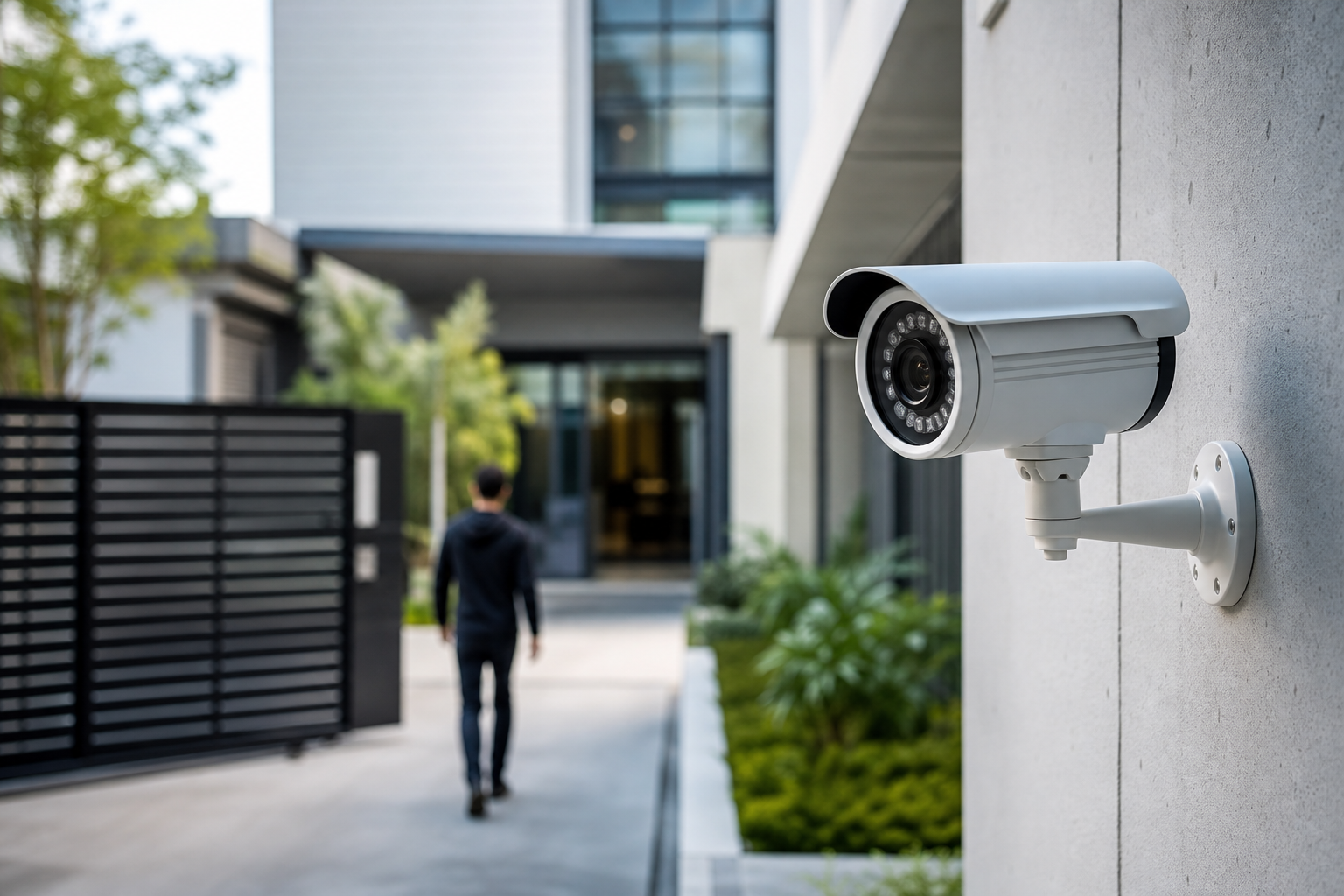
Good CCTV camera placement decides whether your system actually protects people and property or simply records unusable footage. Placement affects image quality, field of view, identification ability, and what the system will reliably capture. For that reason, experts call placement the single most important design decision when planning video surveillance systems, not camera brand alone (Berkley Security) and detailed placement guidance can make the difference between useful evidence and a blind recording (CCTV Planner).
Why camera placement matters
Evidence summary
Professional guidance consistently highlights placement as the primary factor that determines a CCTV system's effectiveness. The field-of-view, mounting angle, exposure to glare, and cabling decisions all shape what the camera can see and when that footage is clear enough to act on (CCTV Planner, Berkley Security).
What placement affects
- Image usability: backlight or glare can wash out faces and licence plates, making footage unusable (Guardian Eye).
- Coverage: one camera in the wrong spot leaves approach paths and blind corners unmonitored (CCTV Security Pros).
- Reliability: exposed cabling or insecure mounts increase vandalism risk and downtime.
Seven CCTV camera placement mistakes to check before you commit
1) Relying on a single camera and leaving blind spots
Why it matters: One camera aimed at a broad area may miss critical approach lines or hide the subject in corners. The practical consequence is missed events or footage that cannot identify a person.
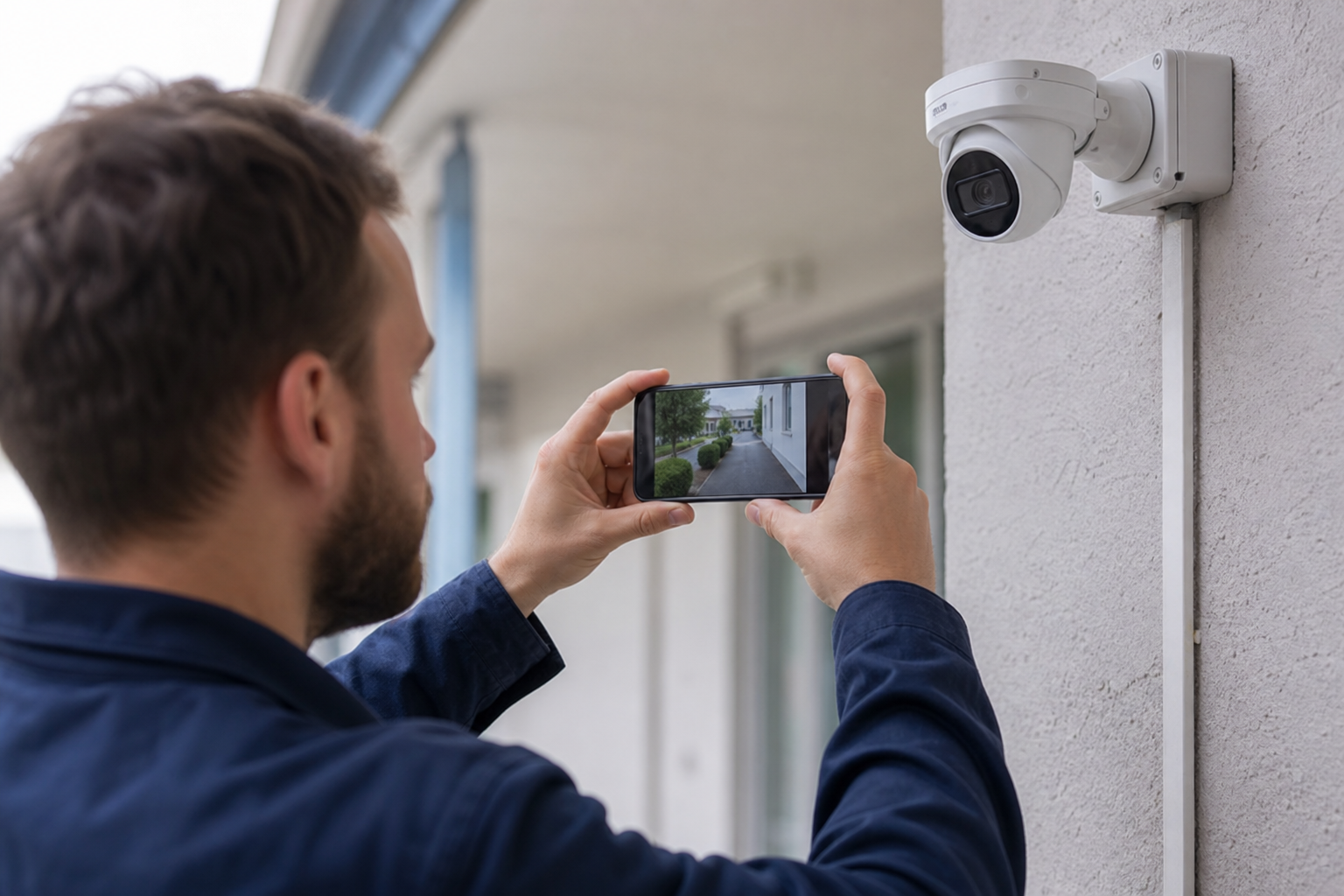
Quick test: Walk the expected approach paths and film them on your phone from each angle to reveal unseen gaps.
Question to ask an installer: Which camera covers each approach path, and can you sketch the field-of-view overlay for those locations?
2) Mounting where backlight or direct glare ruins images
Why it matters: Strong backlight, such as sunlight or bright windows behind a subject, reduces contrast and obscures facial detail. Guidance warns against placing cameras directly opposite bright sources (Guardian Eye).
Quick test: Stand where the subject would be at different times of day and take phone photos toward the proposed camera position; if faces appear silhouetted, repositioning is needed.
Question to ask an installer: How will you prevent backlight from washing out identification at key times of day?
3) Wrong height or tilt that prevents identification
Why it matters: Mounting too high or with too steep a tilt can lose facial detail; mounting too low limits coverage and increases tamper risk.
Quick test: Have someone stand where a subject would be and take a full-length and close-in photo from the proposed camera spot to ensure the face appears clearly.
Question to ask an installer: What mounting height and lens angle do you recommend for identification versus general coverage?
4) Insecure mounting and exposed cabling
Why it matters: Cameras or cables that are easy to reach invite tampering or theft and create single points of failure.
Quick test: From the ground, check whether you could reach the proposed mount with a pole or a ladder; if yes, discuss vandal-resistant options.
Question to ask an installer: How will you protect cameras and cabling from tampering, and what weatherproofing measures will you use?
5) Inadequate cabling and power planning
Why it matters: Poor cable routes, insufficient power provisioning, or the wrong use of wireless links can cause intermittent outages and reduce image quality. For multi-camera systems, planning PoE runs and conduit early avoids costly rework (CCTV Planner).
Quick test: Trace the expected cable route for each camera and note obstacles such as stucco, brick, or long outdoor runs that will affect installation complexity.
Question to ask an installer: Will you use Power over Ethernet and where will the cabling and switch be located? Can you show a cable routing plan?
6) Poor night positioning or infrared interference
Why it matters: Night performance depends on placement relative to reflective surfaces, neighbouring lights, and infrared illumination. IR reflection off nearby windows or shiny surfaces can create bloom and reduce detail.
Quick test: At night, stand in the proposed viewing area and use a flashlight or phone screen to check for unexpected reflections toward the camera location.
Question to ask an installer: How will you ensure usable night-time images at these locations and avoid IR reflection problems?
7) Hidden obstructions and seasonal changes
Why it matters: Shrubs, fences, parked vehicles, and foliage growth can block sightlines seasonally. A camera that is clear in summer might be obscured by autumn leaves or a winter snowdrift.
Quick test: Inspect sightlines across seasons or simulate seasonal changes by imagining taller foliage and parked vehicles in the field of view.
Question to ask an installer: What sightline checks will you perform for seasonal obstructions and how will you adapt camera placement if they occur?
Simple placement tests you can run today
Backlight and glare test
How to run it: Stand where a person would be and use your phone to take photos toward the proposed camera location at multiple times of day. If the subject is a silhouette in some photos, the spot will likely suffer from backlight.
Signs of failure: Faces or licence plates appear dark; background is blown out. If you see this, ask the installer about alternative mounting angles, HDR-capable camera options, or shading.
Coverage walk test
How to run it: Walk each normal approach path while recording on your phone. Pause at common stopping points such as gates, steps, and vehicle approaches to see whether a single viewpoint would capture them.
Signs of failure: Gaps between recorded tracks, areas where a face would be out of frame. If present, ask the installer to map camera locations to approach paths and provide field-of-view mockups.
Night check
How to run it: Revisit the proposed positions after dark and use your phone to film typical activity patterns under normal outdoor lighting. Look for overexposure from nearby streetlights and reflections from windows.
Signs of failure: Grainy shadow areas, blooming from nearby lights, or loss of contrast. If this occurs, ask about night-mode performance and placement changes that reduce reflections.
Exact questions to ask an installer on the first call or site visit
Scope and coverage
- Which camera will cover each approach path, and can you show a field-of-view diagram?
- Will a single camera provide identification at the front door or do you recommend a dedicated unit?
Power and network
- Will you use Power over Ethernet and where will the switch, NVR, and cable runs be located?
- How will you route cables to avoid future damage and maintain weatherproofing?
Image quality and night performance
- How will the proposed placement avoid backlight, and can you show sample footage from similar installs?
- How do you test and validate night-time identification at the front door?
Physical security and maintenance
- What anti-tamper mounts, housings, or conduit will you use?
- What routine maintenance or firmware update support do you provide?
Storage, access and documentation
- What storage retention, remote access, and evidence export options are included?
- Will you provide a written site survey and camera location plan after the visit?
These questions map directly to the placement risks above: coverage maps reduce blind spots, cable and PoE questions prevent power outages, and physical security questions address vandalism risk. For an installer able to support multiple trades—CCTV, network cabling and smart home integration—confirm their capability up front; True Vision Surveillance lists CCTV installation and network cabling among its services (True Vision Surveillance).
When to DIY and when to hire a professional installer in Canada
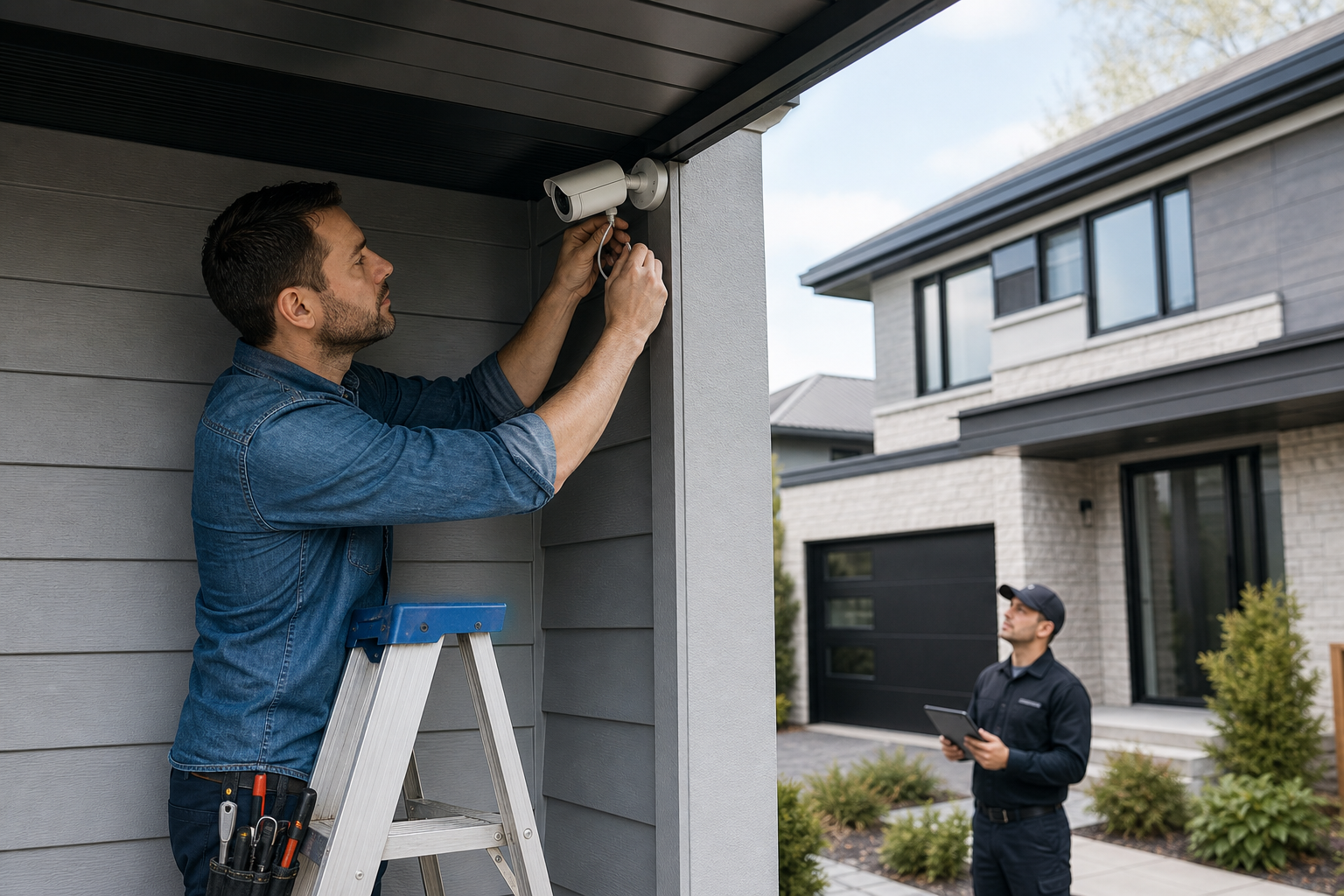
DIY is reasonable for simple indoor plug-and-play cameras with clear sightlines and no hardwired power. Hire a professional when you need ladders or lifts, new network cabling or conduit, multi-camera design, integration with alarms or smart locks, or when tamper resistance and weatherproofing are priorities. Good installers will perform a site survey and provide a cable route plan, which avoids the common mistakes listed earlier (CCTV Planner).
True Vision Surveillance provides CCTV installation and network cabling services and can perform site surveys and design multi-camera systems; contact details are on their website (True Vision Surveillance).
How to evaluate installer answers: red flags and decision criteria
Red flag responses include: no site survey, no field-of-view mockups, vague answers about cable routing, or promises that cameras will "prevent crime." Acceptable responses include offering a documented site survey, a PoE and cable routing plan, weatherproofing specifications, and sample footage from similar installations (CCTV Security Pros, Berkley Security).
Decision criteria checklist: documented site survey, camera field-of-view diagrams, clear PoE and switch location, weatherproof and tamper-resistant mounting options, and a defined maintenance and storage plan.
Canada resources and where to verify guidance
For technical and procurement guidance consider Canadian public resources. The RCMP publishes CCTV equipment system guidance in GCPSG-011 which is helpful for technical planning, and some municipal police services provide local tips such as the Edmonton Police camera placement advice. For local recording and privacy questions, contact your municipal police or legal advisor rather than relying on general articles.
Frequently asked questions
When should I hire a professional installer instead of trying to install cameras myself?
Hire a professional when the job needs ladders or lifts, new network cabling or conduit, multi-camera coverage design, connection to alarms or smart locks, or where vandal resistance and weatherproofing matter.
How can I test for backlight and glare before the installer arrives?
Stand where a person would be and take photos toward the planned camera position at several times of day. If faces are silhouetted or backgrounds are blown out, raise the issue with the installer.
What information should I provide to an installer before a site visit?
Give a list of priority areas to cover, typical approach paths, times when activity occurs, and any indoor or outdoor power or network locations you know. Photos or a short walkthrough video are helpful.
Will repositioning one camera fix most blind spots, or do I need more cameras?
Repositioning can reduce some blind spots, but multiple approach paths often require additional cameras. Ask the installer for a field-of-view diagram to confirm whether a single camera can meet identification requirements.
What documentation should an installer provide after the site survey?
Expect a written site survey, camera location plan with field-of-view overlays, cable route and PoE layout, and a summary of recommended mounting and weatherproofing options.
Ready for a no-commitment site consultation? Contact True Vision Surveillance to request a site survey and placement plan.